
TikTok app
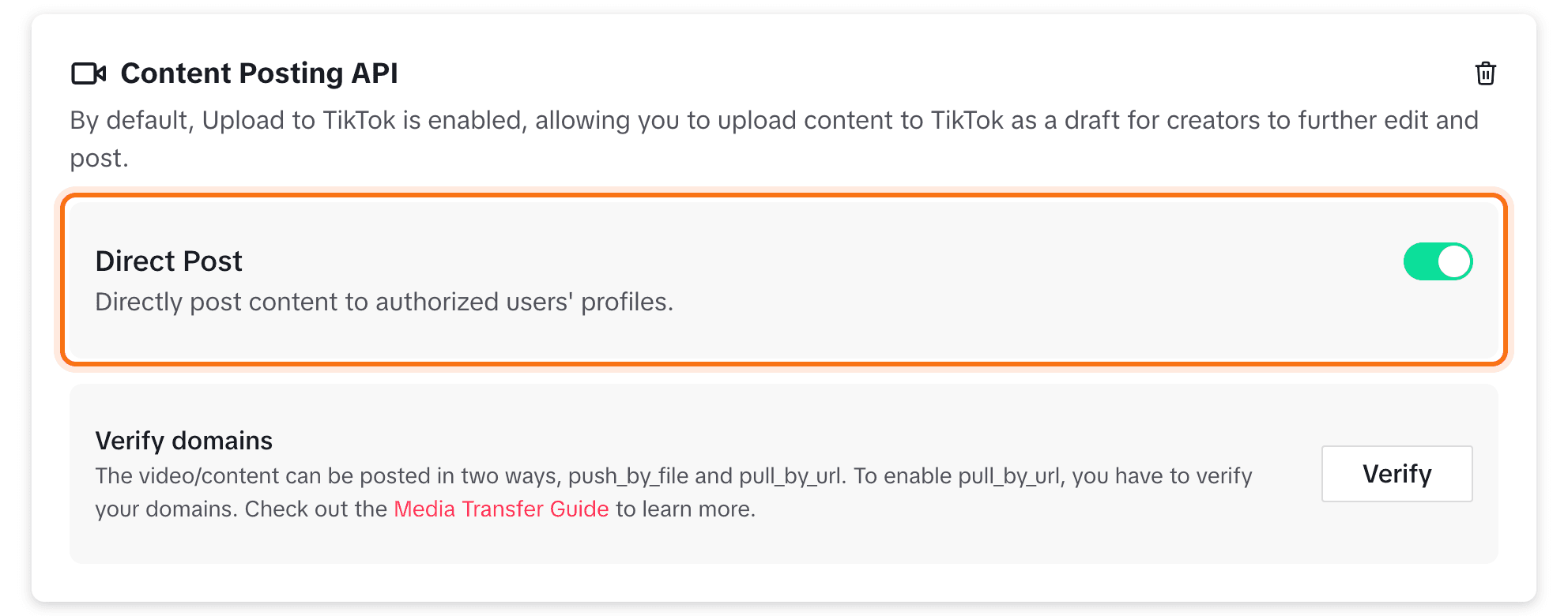
Create a TikTok developer app with Login Kit and Content Posting API so Bulkit can post videos.
Private until audited
Until TikTok audits your app, every video it posts is private ("Only you"), and only accounts you add as test users can connect. TikTok sets this, not Bulkit.
Create the app
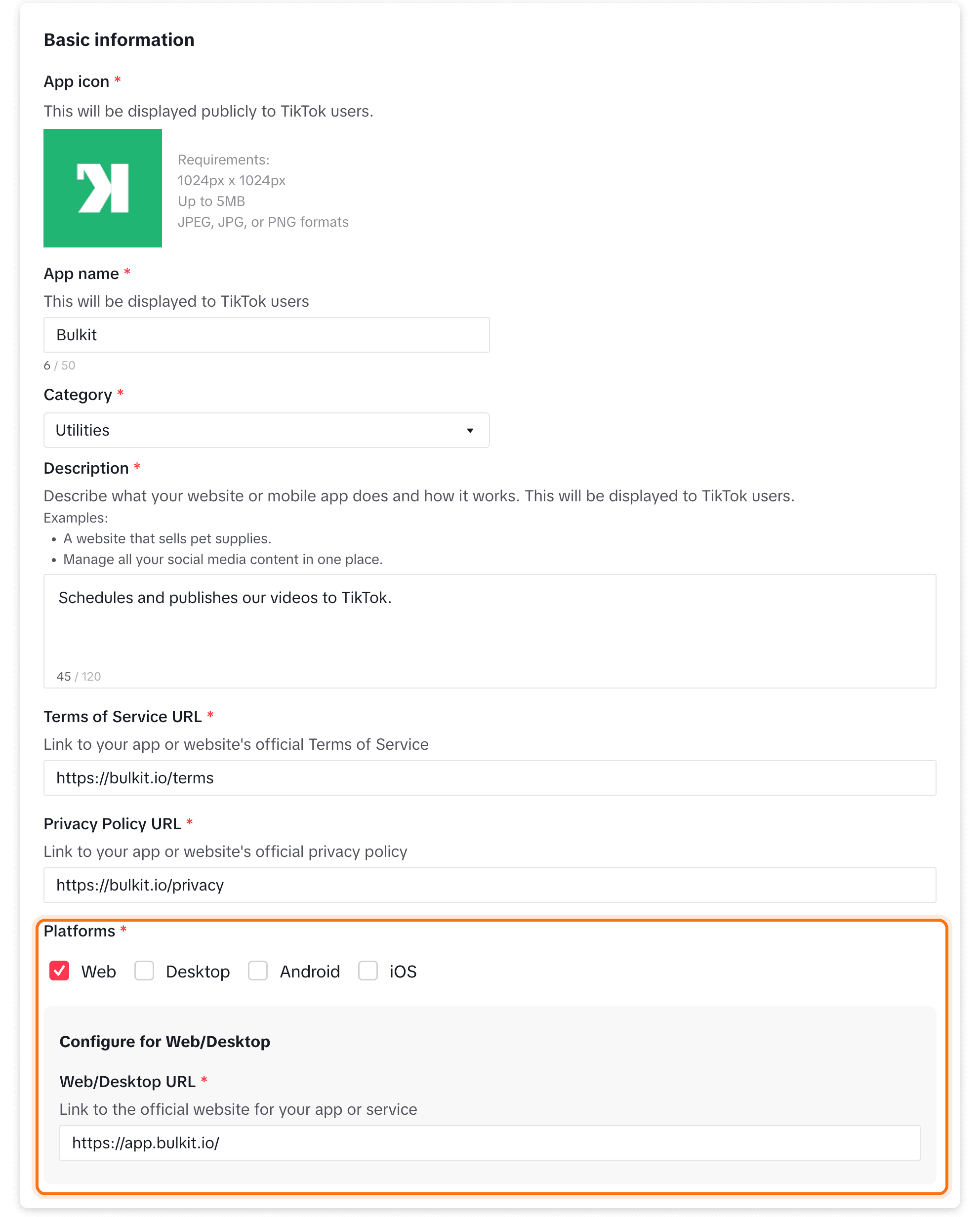
Go to developers.tiktok.com/apps, log in and click Connect an app. Fill in the app's icon, name, category and description, plus links to your terms of service and privacy policy. Under Platforms, pick Web and enter your website.
Add Login Kit and the redirect URI
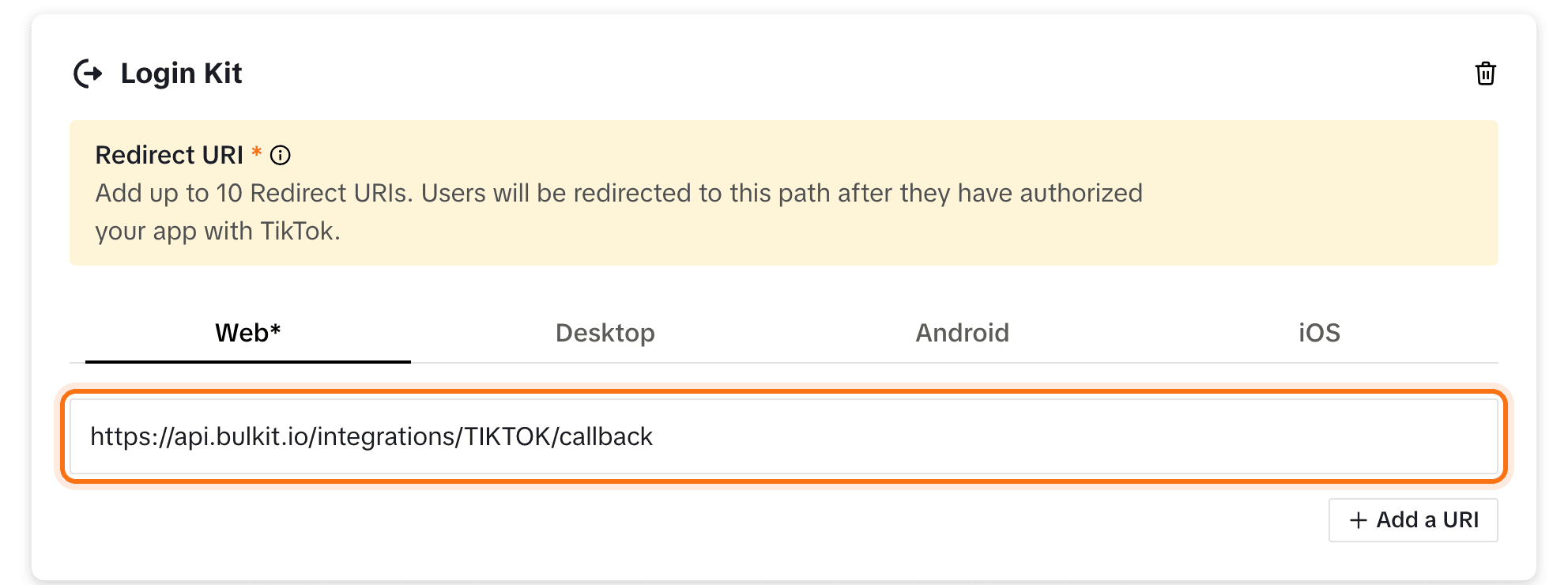
Under Products, click Add products and add Login Kit. In its
settings, paste the redirect URI from Bulkit (like
https://api.bulkit.io/integrations/TIKTOK/callback).
Copy the keys into Bulkit
At the top of the app page, copy the Client key and Client secret. Paste them into Channels → Platform apps → TikTok in Bulkit.

Add test users and connect
Until review, only test accounts can connect. Open your app's Sandbox tab and, under Target Users, click Add account for each TikTok account that will connect. Then, in Bulkit, open Channels → Accounts → Connect account → TikTok.
Before review
Click Submit for review on the app page. TikTok wants a short demo video of the full flow: connecting an account and posting a video. Once approved, TikTok also runs an audit; after it passes, posts can be public.