
Set up your workspace
Add your platform apps and connect your social accounts before you use the API.
The API can only post to accounts that are already connected in the Bulkit app. You cannot connect an account through the API, because connecting needs a person to log in to the social network in a browser.
So do this once, in the app, before you write any code.
You need your own platform apps
Bulkit posts through your own developer apps on each platform (your X app, your LinkedIn app, your Meta app…). You create these apps on each platform's developer site, and some platforms need to review and approve them. This can take days or weeks. An API key alone cannot post anything.
Add your platform apps
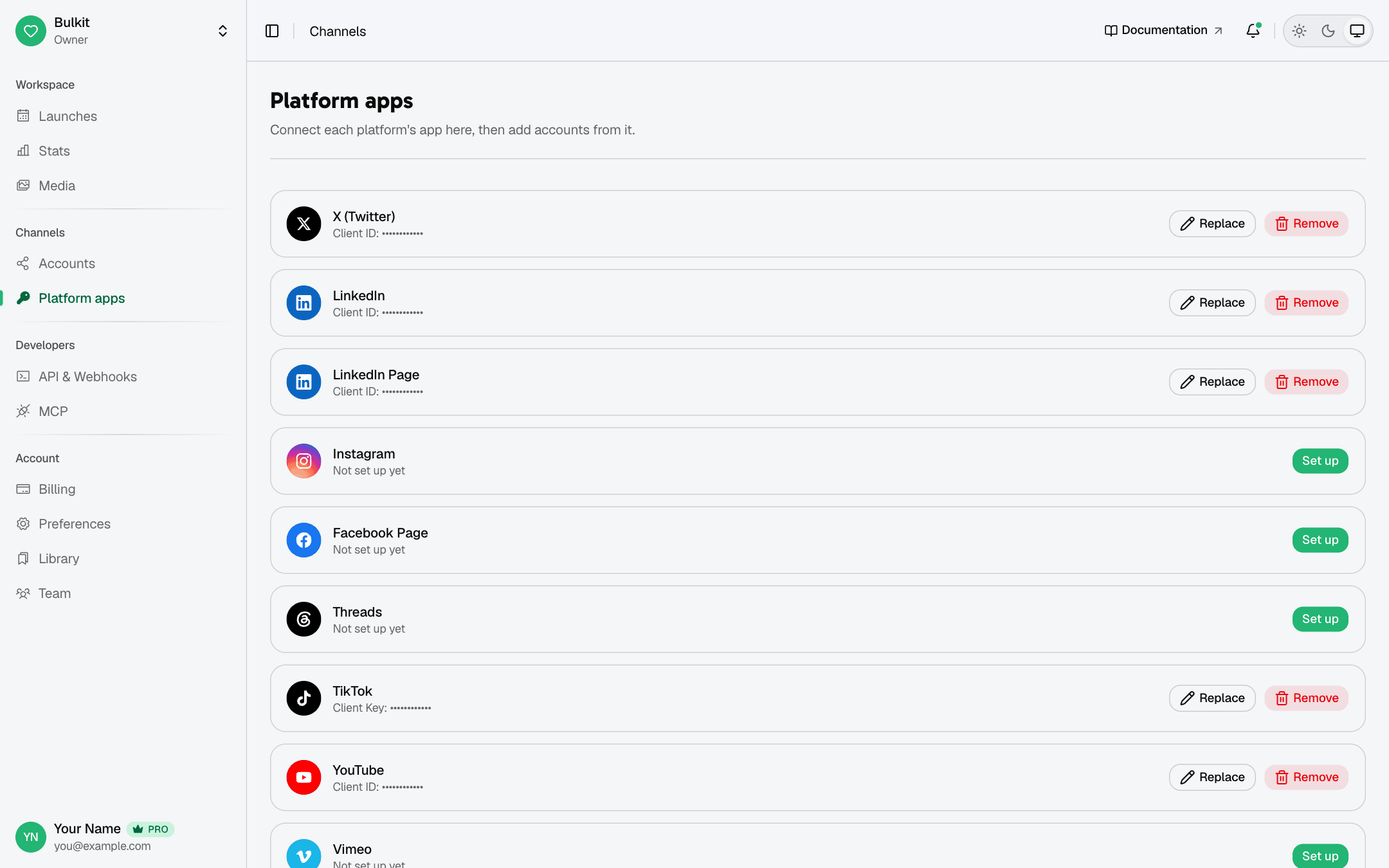
In the app, open Channels → Platform apps. For each platform you want to use, click Set up and paste the Client ID and Client Secret from that platform's developer site.
Not sure where to find them? Each platform has a step-by-step guide under Platform apps, for example YouTube.
Connect your accounts
Open Channels → Accounts and click Connect account. Pick a platform, then log in and approve access in the window that opens.
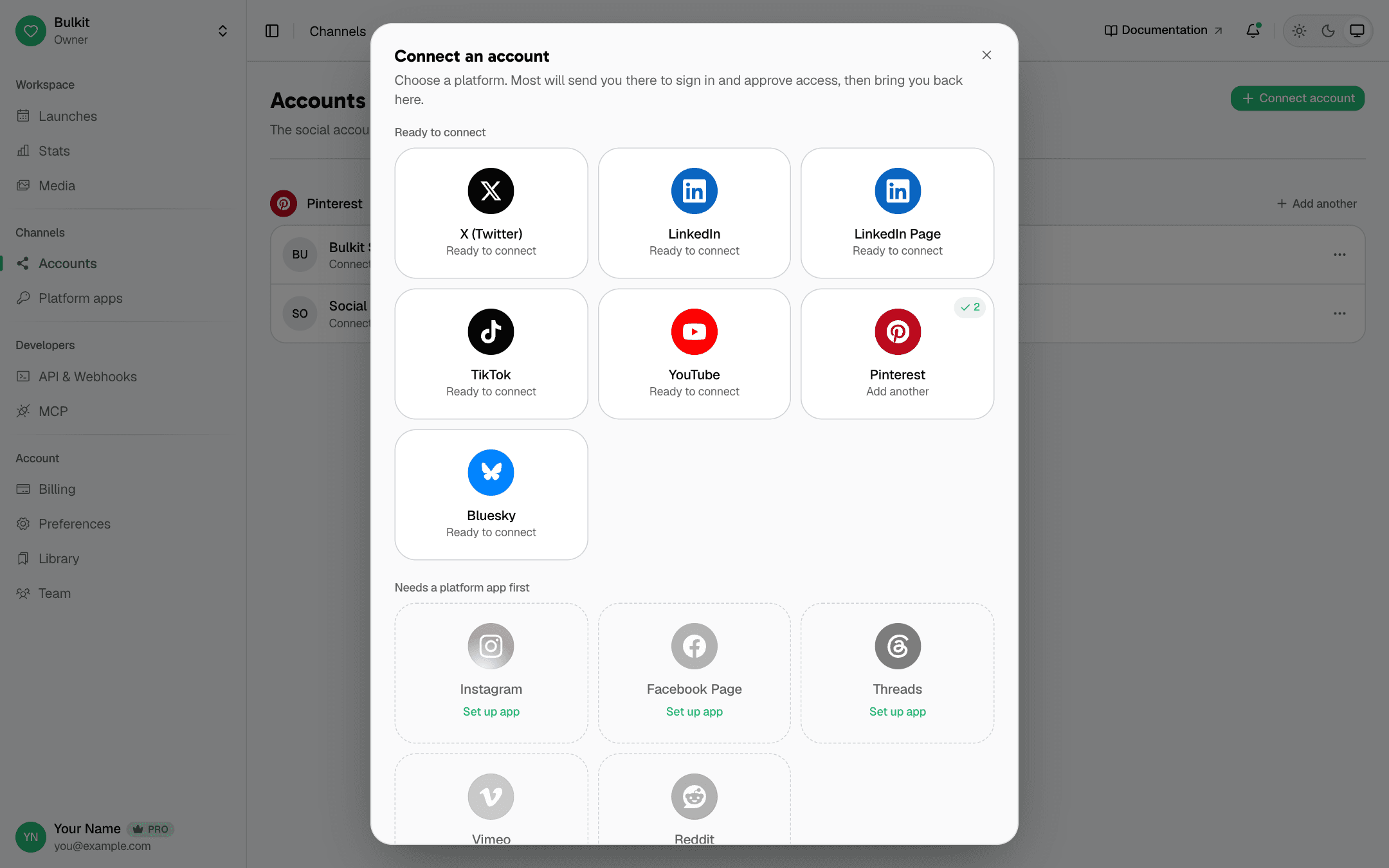
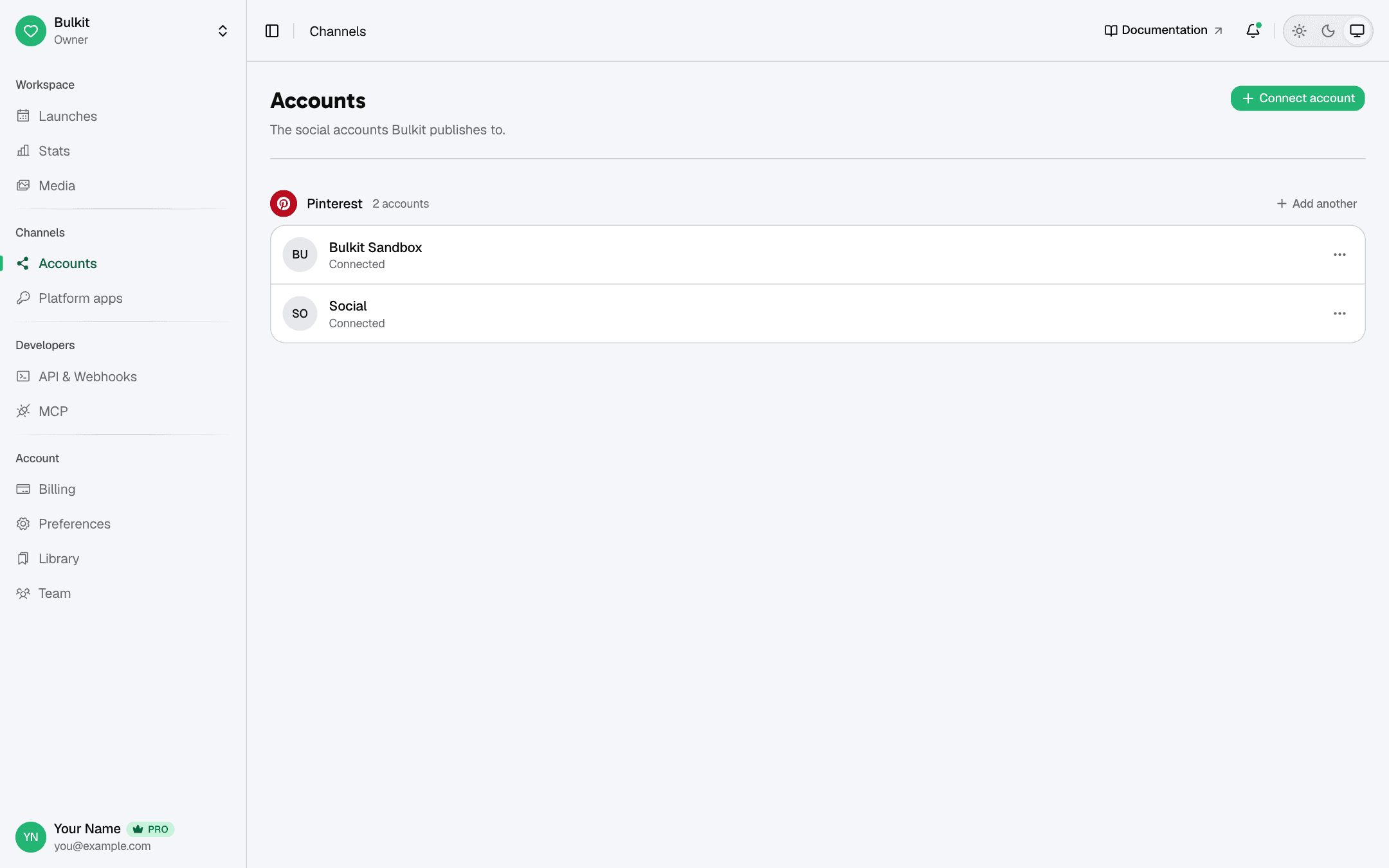
When it works, the account shows Connected:
Create an API key
You are ready for the API. Go to Create an API key.
When an account needs reconnecting
Sometimes a social network stops accepting Bulkit's access (for example, the
user changed their password). The account then shows that it needs to be
reconnected, and in the API its needsReconnect field is true.
Posts to that account will fail until someone reconnects it in the app.
Check needsReconnect before you schedule, or listen for the
channel.needs_reconnect webhook.